The “NEW!” Badge
The infinite power of CSS...
Published:
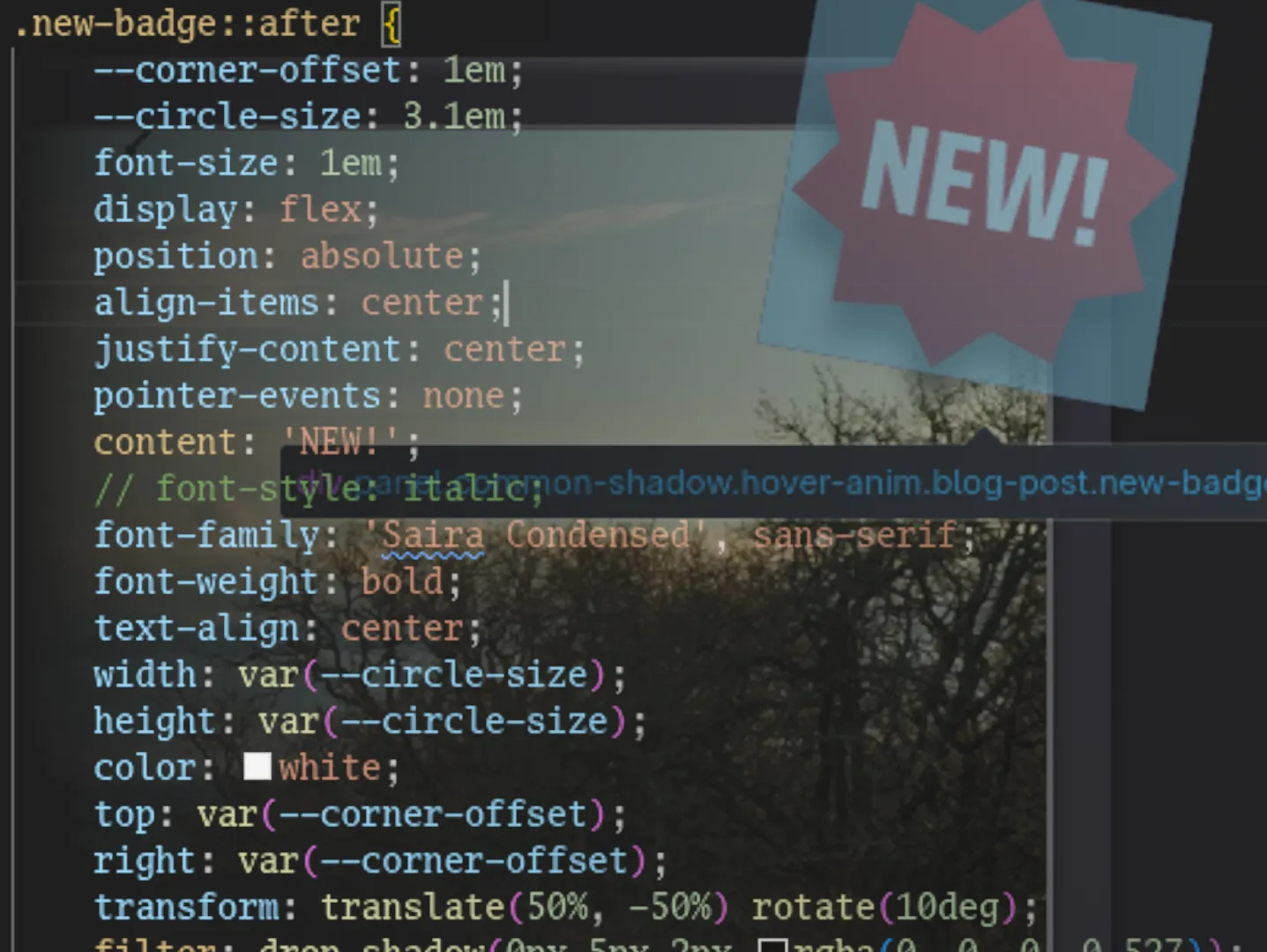
I thought it would be funny to put a tacky badge on blog posts made in the past few days, and that it would be a good exercise to do it with only CSS, as to not clutter the document with such a superficial thing. My first attempt looked something like this:
It used a clip path for the circular shape, so it was truly pure CSS, but it was a tad plain. Using a clip path also clips out the drop shadow filter, which simply wouldn’t do. I made a quick star badge SVG in Inkscape and set it as the background image of the pseudo element, which got me most of the way to the look of the final product:
Now I was getting somewhere, but there was a small issue: an extra request had to be made to download the background SVG, which caused rather noticeable pop-in the first time the page was visited. This is expected and acceptable for regular images, but it looked particularly bad in this case. It also felt wrong in principle to make a whole request for a thing like this. I looked into data URIs, which I had often seen used to solve this exact problem when using regular img elements. It turns out they can be used with the CSS url function too, and for SVGs in modern browsers you only need to URI encode the # and ? characters, which means basically zero file size penalty like what you encur by base64 encoding a binary bitmap image. Amazing!
I was already using Sass on this project, and thought there was probably some way I could use it to automate this inlining process during compilation, as it was quite tedious and error prone to do manually. After reading through the documentation, which left me a tad confused, I figured out how to create a custom CSS function that would execute JavaScript code. This allowed me to write something like
svg-data-uri("src/assets/new-badge-clip.svg");
in the CSS file, and then, during compilation, the contents of the SVG would be read, run through SVGO, and be URI encoded (where needed). This would be inserted into a data URI passed to the native CSS url function in the compiled SVG:
url("data:image/svg+xml,<svg> ... </svg>");
Now I could make changes to the original file whenever I needed, and at build time the hard part would be done for me, like magic. Now you, the reader, never have to wait for this highly important element to appear.